iPad

iOS editing update

Screenshot of Lightroom on an iPad Mini.

A couple of months ago I posted the latest update about my long-term quest to be able to do quick edits and add full captions to my Canon images using Apple iOS devices. At the time I was using my iPhone because the apps that I wanted to use weren’t compatible with my old 2017 iPad Mini. Then Apple released a significantly updated version of the smaller iPad and I dived in and bought one (256 Gb wifi + Cellular model).

Bingo.

I am delighted to announce that not only do I have a shiny new iPad but that I have pretty much nailed down my iOS workflow whilst using it. I went for the Mini simply because I like the size. It is easily hand-holdable, is significantly bigger than the largest iPhone and it fits in my Think Tank Press Pass 10 bag which has become a very regular part of my day-to-day shooting kit. It’s clearly not as powerful as the larger and more expensive iPad Pro models but it fulfils my requirements rather well – even when working with the larger files from the EOS R5 MkII.

(more…)

On holiday with my compact camera

Venice, Italy, during the Biennale. 09 November 2024. ©Neil Turner

Every time I get a new compact camera (and there have been quite a few) I come onto my blog and talk about it. Just under a year ago I got the Canon Powershot G5X MkII to replace my G7X MkII and took it on a family holiday to Venice. Earlier this month we were back in the same city with the same camera but this time the vacation was all about art. The Venice Biennale and all of the fringe shows that happen across the city are great places to see a lot of good, bad and occasionally indifferent art and, for a photographer, it’s a great place to see people interacting with it.

To save you going back and reading last year’s post I swapped from the G7X MkII for three basic reasons:

(more…)

Another look at editing on iOS mobile devices

Back in February 2018 I concluded that I had failed to develop a decent workflow for the iPad or iPhone and that if I had the time I’d come back and continue with the quest. Since then I’ve occasionally used versions of my previous workflow and have dabbled with new options as they have come to my attention. Some six and a half years later I bring good news if you shoot with Canon and don’t mind paying for useful applications on subscription.

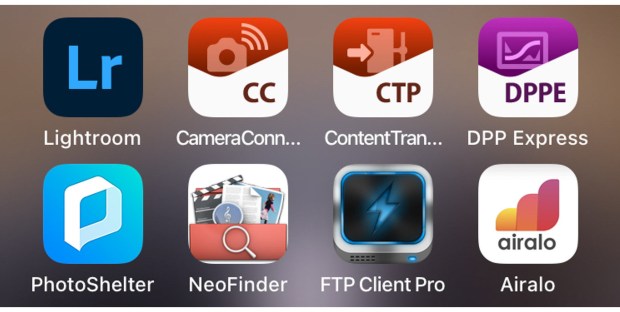
With the help of Canon and Adobe I think that I have now got a usable and developing workflow for importing, editing, captioning and transmitting images from my iPhone. All of this is currently only possible on my phone because my iPad is a bit out of date and cannot load one of the key applications. Apple announced a new version of the iPad Mini this week which prompted me to post this update.

Let’s talk about what has changed to make me so positive about what’s now possible:

(more…)

A new compact… again

7518853968_img_1951

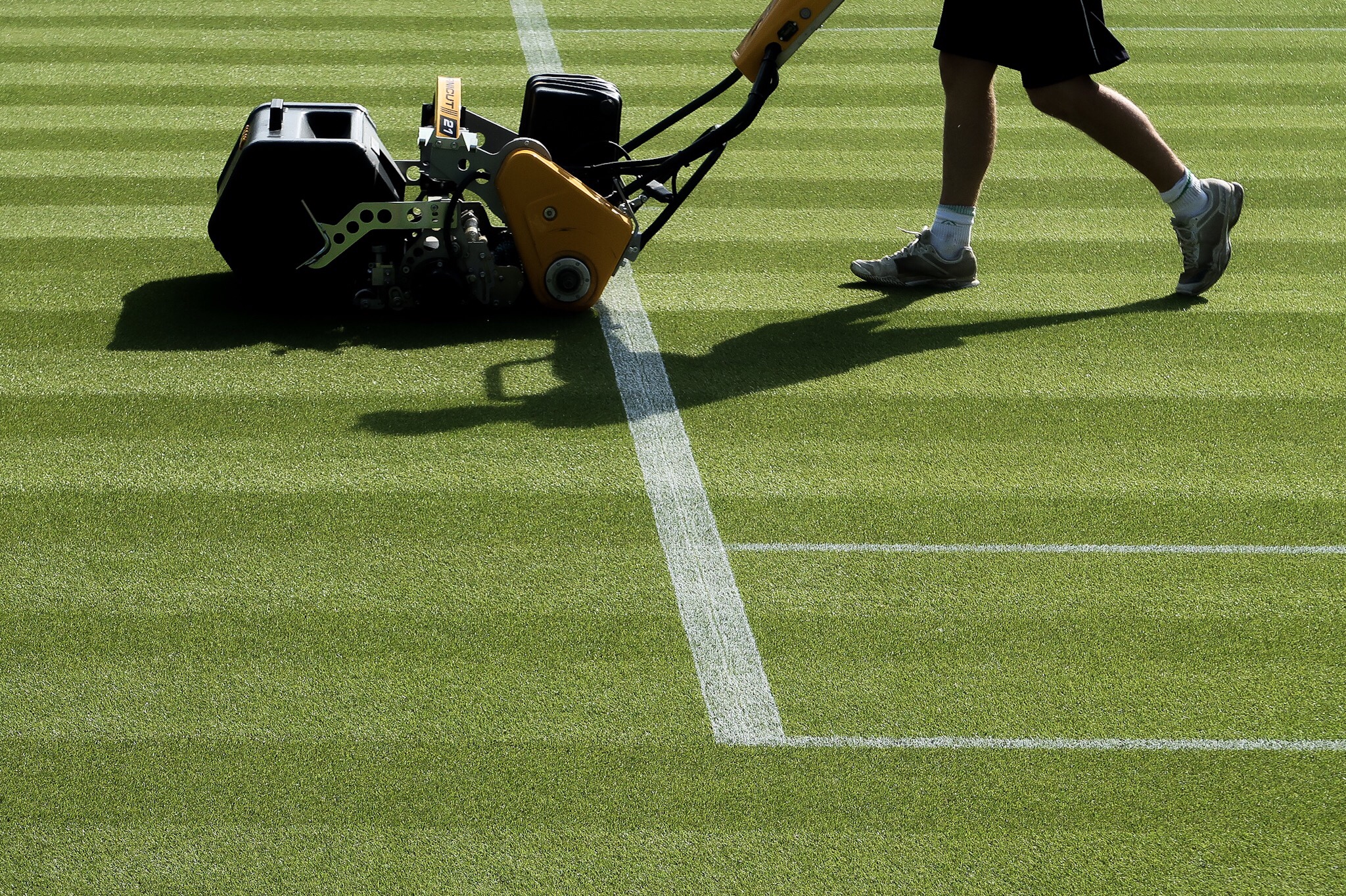
Ground Staff cutting the grass on Court 14 at the All England Lawn Tennis Club in Wimbledon ahead of The Championships. ©Neil Turner, June 2018

When I’m away from home working as a Photo Editor on big sporting events I like to have a compact camera with me. My relatively recent entry into the world of Instagram has made my desire to have a camera in my pocket/rucksack/bag has grown. Regular readers of this site will know that I have owned and loved quite a few but, having sold all of my Fujifilm cameras, I felt the need to buy a new one.

The list of features that I felt that I needed couldn’t really be filled by one camera and I considered several options before finally making a purchase. Top of my list was probably the Sony RX100 MkV and the Panasonic TZ100 was also on that list but the combination of my familiarity with the Canon system meant that I want for the G7X MkII. The Sony was a little expensive (almost £500 dearer than the Canon) and the Panasonic just didn’t produce the results in the way that I wanted. (more…)

In my camera bag – the 2018 remix

Screen grab from an older version of my website showing the ‘obligatory bag shot’

I am writing this in response to a request from a long-time follower of my blogs who wanted me to do an update to an old posting which was, in turn, an update to an even older one.

Back in January 2009 I had been freelancing again for just over four months and I posted what I called the “obligatory bag shot” and went on to detail the kit that lived in my everyday camera bag. At the time that was a Lowe Pro Steath Reporter 650AW – a bag that I still own and use from time to time. These days I am more likely to either have a Domke J3 (with less kit) or a Think Tank Airport Take-Off rolling bag (with slightly more kit) and I wanted to compare notes on what I had in the bag back then compared to now. As a direct comparison I am going to talk about how I load the Lowe Pro when I use it:

(more…)

My iPad workflow – some conclusions


Over the last couple of months I have been looking hard at the whole idea of an iPad and iPhone based workflow for the kind of photography that I do. I have tried to find a workflow that is repeatable and adaptable that could replace my tried and tested (and damned good) workflow on a laptop or desktop computer.

I’ve failed.

After trying different iPads and iPhones as well as dozens of apps and an endless combination of those apps I have come to the conclusion that there is no way that an iOS device can replace a computer for the vast bulk of my work. There are several reasons for this but the main one is that iOS was never designed for this kind of heavy lifting and the way that you move files around between apps is still pretty painful and that it is even worse with RAW files. Don’t get me wrong, using a fully-loaded top of the range iPad Pro with decent internet connectivity and a keyboard you get really close to a good workflow but by then you have a device costing at least £1,000.00 (and a lot more if you go for the 12″) which weighs and costs almost as much as an Apple MacBook without the access to rock solid made-for-the-job applications. (more…)

iPad workflow part four

Screen grab from Transmit for iOS on my iPad showing a twelve image upload in action.

There are so many ways that I deliver images to various clients these days that I feel that I’m bound to leave something off of this list. The great news for users of the iPad or iPhone to do quick edits of their work is that every single option that I use on the desktop machine is also available on iOS devices;

  • FTP– I use Transmit on the iPad and iPhone. I also have FTP options inside FSN Pro and Shuttersnitch that can all do a good job but Transmit does it all better.
  • Email – adding large numbers of attachments on the iPad isn’t my favourite way to send pictures but it works.
  • Dropbox – The iOS Dropbox app means that I can easily add files to folders on the cloud service and send links to those folders before, during or after the job. It has a very simple interface and works really well.
  • WeTransfer – I wasn’t very happy when the WeTransfer iOS app went over to functioning as “Boards” – making it a very different user experience from the ever-so-simple desktop version but I’ve got used to it and it works really well.
  • Photoshelter – The professional image sharing platform has a dedicated iOS app which is fairly easy to use and very functional.
  • Third Light – This is a niche Digital Asset Management platform used by two of my corporate clients and the iOS app does its job well.

(more…)